Add interactivity
Elevate your digital signage content by adding interactive elements.What is interactivity?
Section titled “What is interactivity?”The Kaptive Editor allows creating fully touch-native interfaces made for physical interaction with screens. You can add buttons, 3D models, scrollable PDFs, a lot of elements and widgets that allow to create an entire application for museums, building orientations, information screens or order screens.
Instead of having to implement an entire web application or native application to run a touchscreen, you can do it all using Kaptive.
Add buttons
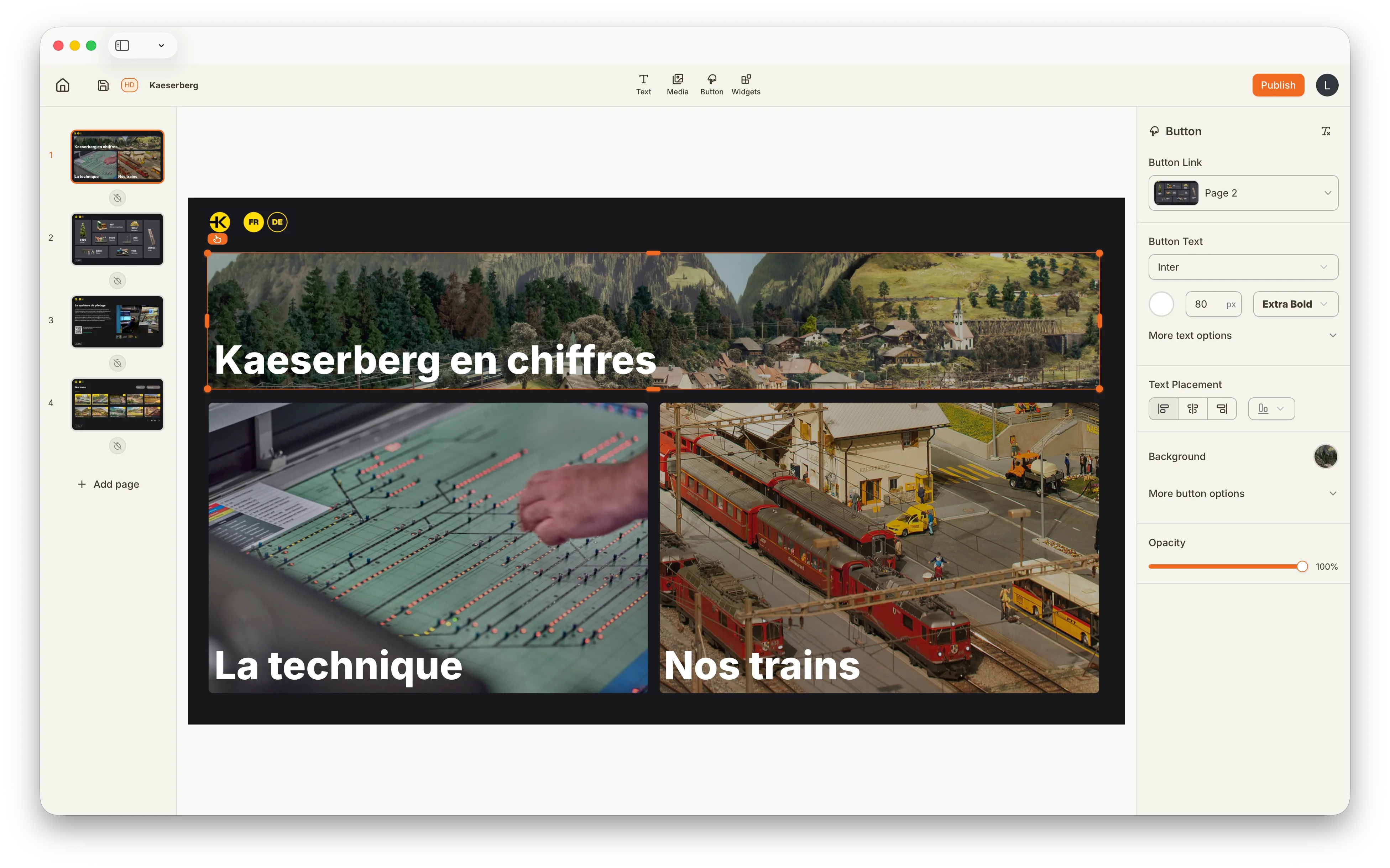
Section titled “Add buttons”In the toolbar of the Kaptive Editor, you can choose to add a button to your project. In the properties of a button, you can choose which page to link. This allows you to create entire applications with multiple pages, transitions and interactions.
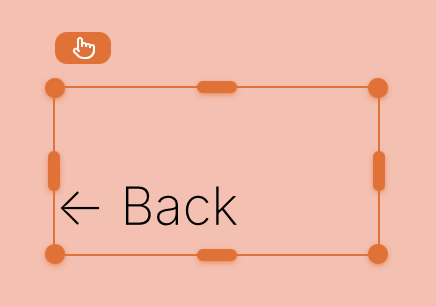
Do not forget to add back buttons on details pages, to be able to navigate correctly through your entire application.
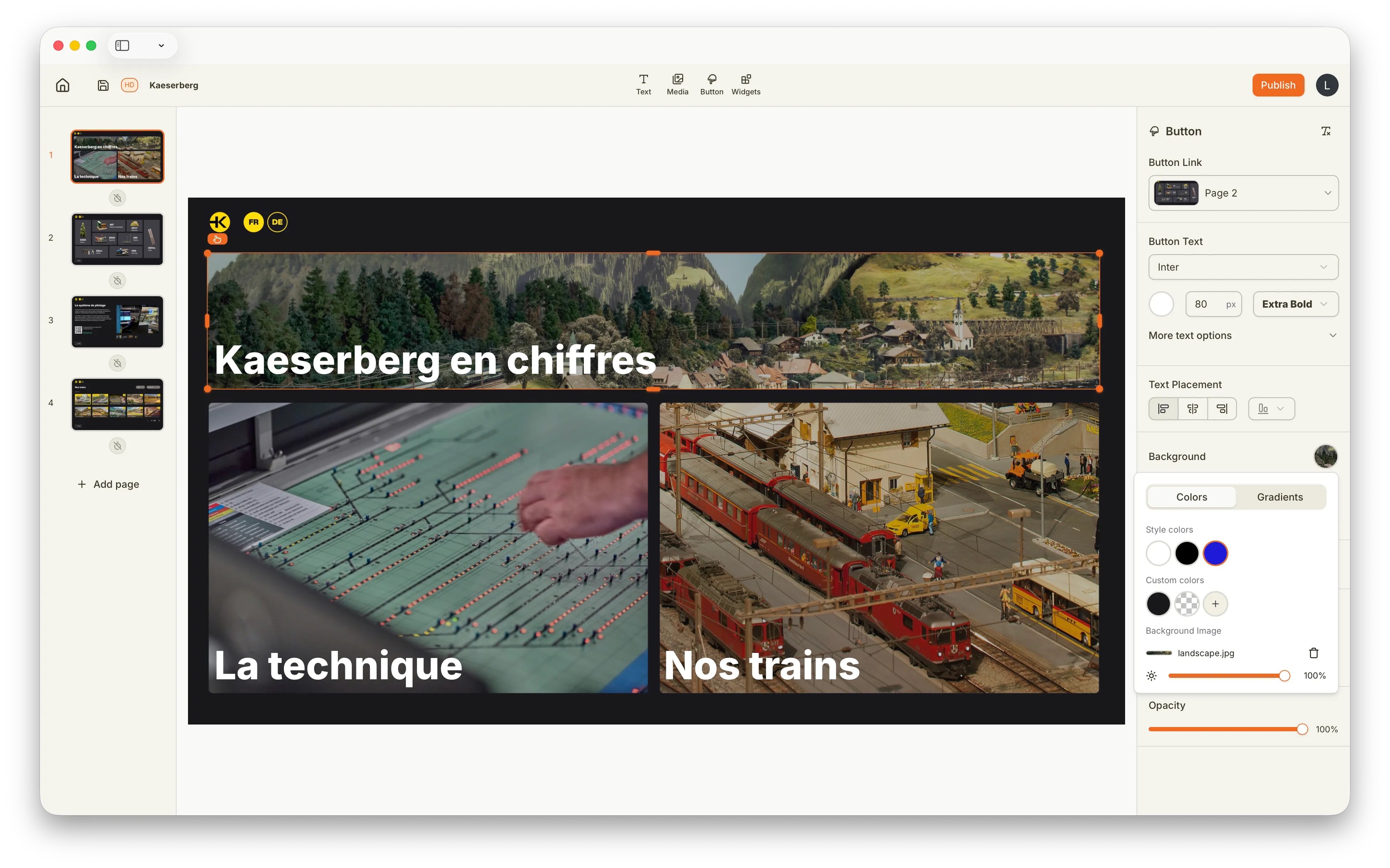
Add transparency or images to button backgrounds
Section titled “Add transparency or images to button backgrounds”To create more advanced interactive applications, you can make buttons transparent or add background images. This allows to you to easily create bento boxes, lists or create clickable schemas, plans or maps.