
Release Notes 0.6.0
Improved editor, templates, public sharing, custom fonts, and more in Kaptive 0.6.0.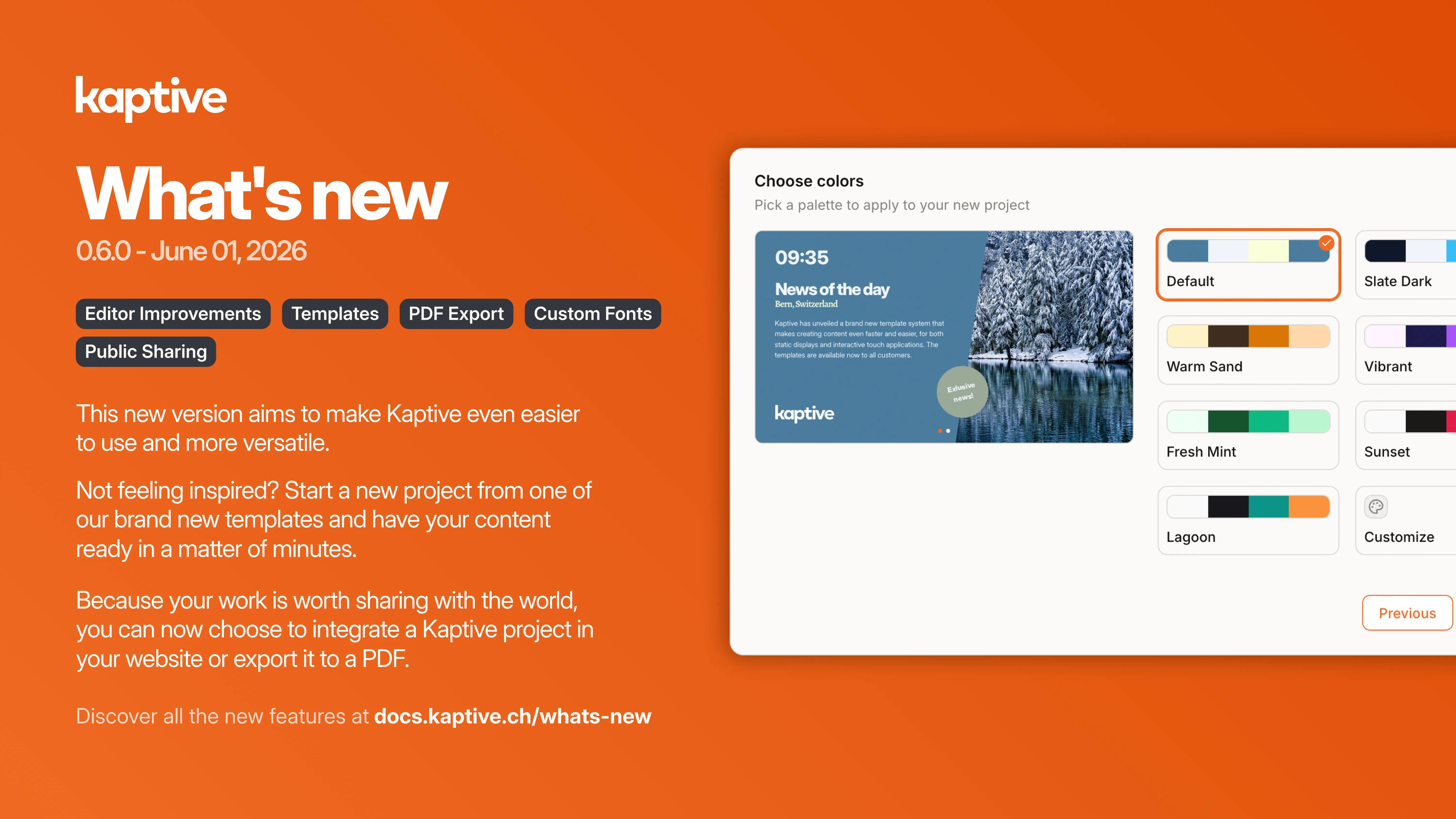
Editor improvements
Section titled “Editor improvements”- Zoomable canvas: Zoom into your canvas for pixel-perfect precision while you build.
- Video duration indicator: See a video’s length at a glance with a visual duration indicator.
- Unreachable page warnings: The editor now flags pages with no way in, so you never forget a transition or a button again.
- Element rotation: Rotate any element for more layout freedom.
- Improved snapping: Sharper alignment snapping makes clean, professional layouts effortless.
- PDF timed page rotation: Automatically scroll through PDF pages at an interval you set.
- Animated illustrations (early access): Bring your content to life with customizable animated illustrations (
.lottie). More to follow.
Features
Section titled “Features”- Templates: Launch new projects in seconds. Start from a ready-made template, swap the color palette, and stand out instantly.
- Public links & HTML embedding: Share a project with a public link or embed it in your website for interactive content on the web.
- PDF export: Export any project to PDF.
- Custom fonts: Import your own fonts once and use them across every project to stay true to your brand.